
6 Excel Myths that Are Holding Back Your Spreadsheets
Mastering Excel is an essential skill for anyone who wants to stay ahead in today’s data-driven world. However, many Excel users are held back by common myths that can lead to inefficiency and frustration. In this article, we’ll debunk six Excel myths that are holding back your spreadsheets and provide you with the tips and tricks you need to become an Excel expert.
Myth #1: You Need to Know VBA to Master Excel
One of the most common Excel myths is that you need to know VBA (Visual Basic for Applications) to master the software. While VBA can be a powerful tool for automating tasks and creating custom solutions, it’s not a requirement for most users. In fact, many Excel tasks can be accomplished using basic formulas and functions. If you’re new to Excel, start by learning the basics of formulas, functions, and data manipulation. You can always learn VBA later, but it’s not necessary to get started.
Myth #2: Excel Can’t Handle Large Datasets
Another common myth is that Excel can’t handle large datasets. While it’s true that Excel has limitations when it comes to the number of rows and columns, there are ways to work around these limitations. For example, you can use Excel’s built-in features, such as pivot tables and Power Query, to analyze and manipulate large datasets. Additionally, you can use external tools, such as Google BigQuery, to handle extremely large datasets.
Myth #3: You Need to Use Excel’s Built-in Templates
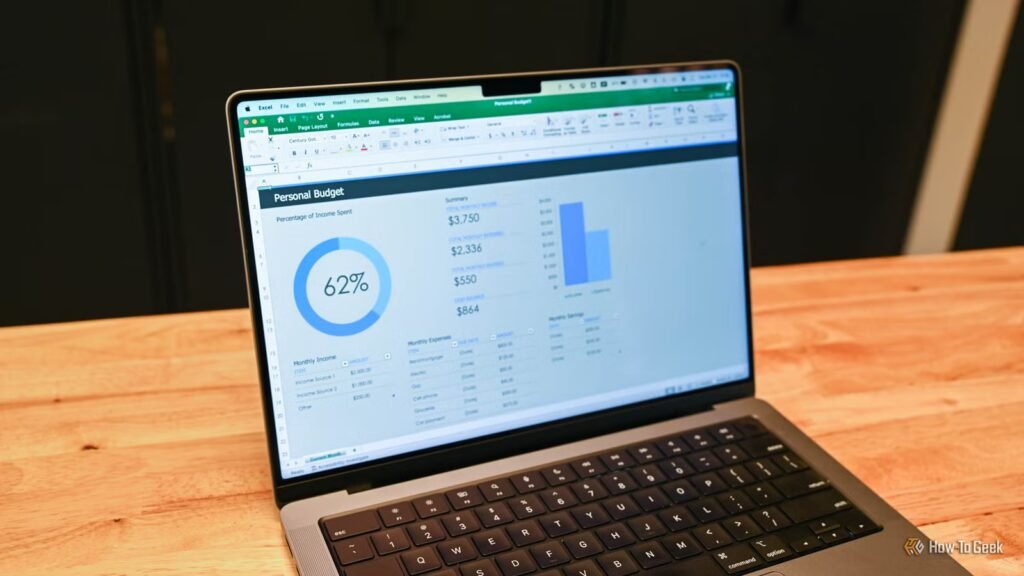
Excel comes with a range of built-in templates that can help you get started with common tasks, such as budgeting and tracking. However, many users believe that these templates are the only way to create professional-looking spreadsheets. In reality, you can create your own templates from scratch using Excel’s built-in features, such as formatting and design tools.
Myth #4: Excel is Only for Number Crunching
Many users believe that Excel is only for number crunching and data analysis. While it’s true that Excel is a powerful tool for working with numbers, it can also be used for a range of other tasks, such as creating charts and graphs, building dashboards, and even creating interactive web pages.
Myth #5: You Need to Be an IT Expert to Use Excel
Finally, many users believe that you need to be an IT expert to use Excel effectively. While it’s true that Excel has a range of advanced features and tools, you don’t need to be an IT expert to use the software. In fact, many Excel tasks can be accomplished using basic skills and knowledge.
Myth #6: Excel Can’t Be Used for Collaboration
Another common myth is that Excel can’t be used for collaboration. While it’s true that Excel has limitations when it comes to real-time collaboration, there are ways to work around these limitations. For example, you can use Excel’s built-in features, such as co-authoring and commenting, to collaborate with others. Additionally, you can use external tools, such as Google Docs, to collaborate in real-time.
Conclusion
Mastering Excel is an essential skill for anyone who wants to stay ahead in today’s data-driven world. By debunking these six common Excel myths, you can unlock the full potential of the software and become an Excel expert. Remember, Excel is a powerful tool that can be used for a range of tasks, from number crunching and data analysis to creating charts and graphs and even building dashboards.
Tips and Tricks for Mastering Excel
* Learn the basics of formulas, functions, and data manipulation
* Use Excel’s built-in features, such as pivot tables and Power Query
* Create your own templates from scratch using Excel’s built-in features
* Use external tools, such as Google BigQuery, to handle extremely large datasets
* Use Excel’s
Latest AI Guides
Google SEO Documentation