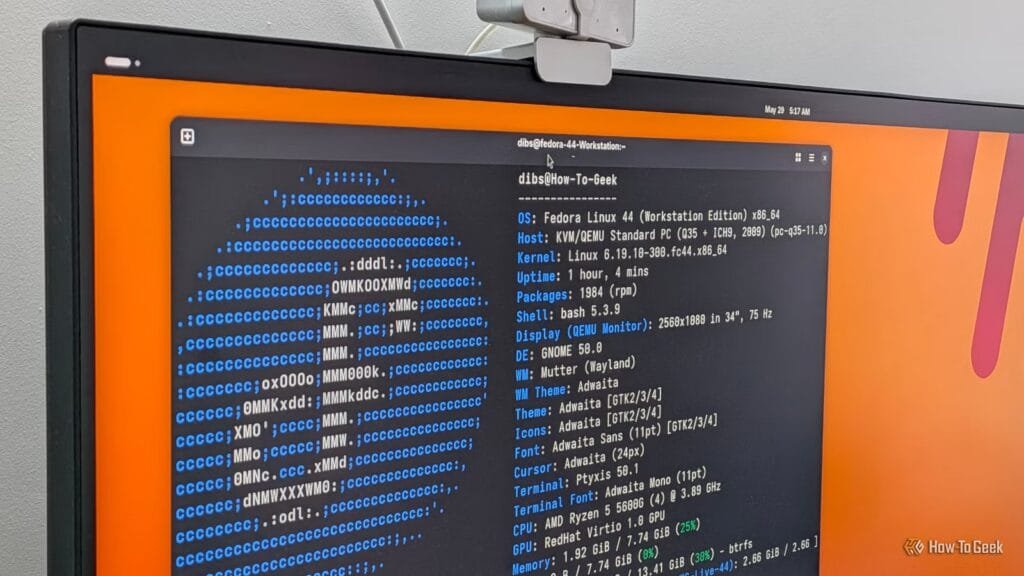

Fedora vs Ubuntu: Why Fedora Beats Ubuntu in Almost Every Way
The Linux landscape is filled with numerous distributions, each with its unique strengths and weaknesses. Two of the most popular ones are Fedora and Ubuntu. While Ubuntu has been the go-to choice for many users, Fedora has quietly turned into one of the best Linux distributions in almost every way. In fact, many people online argue that Fedora is the new Ubuntu. However, when it comes to casual users who just want a reliable Linux distro, most still lean toward Ubuntu. So, what’s holding Fedora back, and why does Ubuntu still dominate?
The Rise of Fedora: A Better Distribution in Many Ways
Fedora has made significant strides in recent years, making it a more accessible and user-friendly distribution. One of the reasons Ubuntu became so popular is that it made Linux approachable. Before Ubuntu, most distributions were aimed at fairly technical users. You needed a decent understanding of the command line and how Linux worked under the hood just to get things running. Fedora has changed that with its graphical installer and polished graphical experience for most everyday tasks.
A lot of that familiarity comes from the fact that both Fedora and Ubuntu ship with GNOME by default, so most of the system tools and settings look and behave similarly. However, where Fedora gains an edge is with its atomic desktop variants like Fedora Silverblue and Fedora Kinoite. These systems offer an image-based, read-only core, which makes it much harder to accidentally damage the operating system itself. You can still install apps and change settings, but the foundation stays intact. And if something does go wrong, Fedora’s rollback system makes recovery super simple—you just boot into an earlier system snapshot and undo the damage in minutes.
Safer for Beginners
Fedora’s atomic desktops are arguably the safer and more resilient choice over Ubuntu, especially for casual users who only want a system to browse the web, check email, and write documents. This is because the atomic desktop variants provide an additional layer of protection against accidental damage. With Fedora, you can rest assured that your system is secure and stable.
More Variety and Flexibility
Another area where Fedora excels is in its variety and flexibility. Fedora officially provides most popular desktop environments and window managers through its Spins, all available directly from its official site. This means that users can choose their preferred desktop environment without having to install additional software. Additionally, third-party developers have increasingly embraced Fedora as a base for their own distros, and some compelling options have emerged out of this.
For example, you’ve got Nobara Linux and Bazzite—two Fedora-based gaming-focused distros, and right now, they arguably offer a better gaming experience than anything in the Ubuntu ecosystem. This level of flexibility and variety is unmatched by most other distributions, making Fedora an attractive option for users who want a tailored experience.
The Leading Edge Experience
One of the hardest balancing acts in Linux is keeping a system stable while still giving users access to newer software. Ubuntu handles this with its split LTS and non-LTS release model. However, Fedora skips that LTS and non-LTS split entirely, which makes things much simpler. There’s just one release every six months, and each version gets 13 months of support. That means you’re on a similarly fast release cadence as Ubuntu non-LTS, but with a much more forgiving upgrade window.
On top of that, every Fedora release ships with very recent packages and goes through extensive testing to ensure rock-solid stability. This approach ensures that users have access to the latest software while maintaining a stable system.
Why Ubuntu Still Dominates
Despite Fedora’s many advantages, Ubuntu still dominates the Linux landscape, especially among newcomers. The reason is simple: Ubuntu tends to work on just about any desktop or laptop. With Fedora, it can often feel like a gamble, especially if you’re using a laptop. Fedora’s strict adherence to open-source software, including drivers and firmware, can create problems when your hardware depends on proprietary components.
This tends to show up most often on laptops, where Wi-Fi adapters, fingerprint readers, or NVIDIA graphics can need proprietary drivers or firmware to work properly. Since Fedora doesn’t always include those by default, getting those parts properly working can be a big headache. Yes, you can install proprietary drivers yourself, and third-party sources like RPM Fusion exist for exactly that. But it usually means extra setup, extra troubleshooting, and extra frustration.
Ubuntu: The Low-Maintenance Option
Ubuntu—and most Ubuntu-based distros—they just work out of the box, making them the easiest blind recommendations for almost anyone. This is exactly why Ubuntu dominates: it’s low maintenance and just works. This matters because an OS is supposed to be a platform where you work, not a project you work on.
Conclusion
In conclusion, Fedora beats Ubuntu in almost every way, from its safer atomic desktops to its greater variety and flexibility. However, Ubuntu still dominates due to its broad hardware compatibility and low-maintenance approach. If you’re an experienced Linux user or have hardware with solid open-source driver support, Fedora is an excellent choice. But for newcomers or those who want a hassle-free experience, Ubuntu might still be the better option.
FAQs
Q: Is Fedora better than Ubuntu?
A: Fedora beats Ubuntu in many ways, including its safer atomic desktops, greater variety and flexibility, and leading edge experience. However, Ubuntu still dominates due to its broad hardware compatibility and low-maintenance approach.
Q: Why does Ubuntu still dominate?
A: Ubuntu dominates due to its broad hardware compatibility and low-maintenance approach. Ubuntu tends to work on just about any desktop or laptop, making it the easiest blind recommendation for almost anyone.
Q: Is Fedora suitable for beginners?
A: Fedora is suitable for beginners who have hardware with solid open-source driver support or are technically comfortable enough to install proprietary drivers themselves. For those who want a hassle-free experience, Ubuntu might still be the better option.
Q: Can I use Fedora with proprietary drivers?
A: Yes, you can install proprietary drivers yourself, and third-party sources like RPM Fusion exist for exactly that. However, it usually means extra setup, extra troubleshooting, and extra frustration.
Related reading: Powerful 6 Stop using your old router if it does