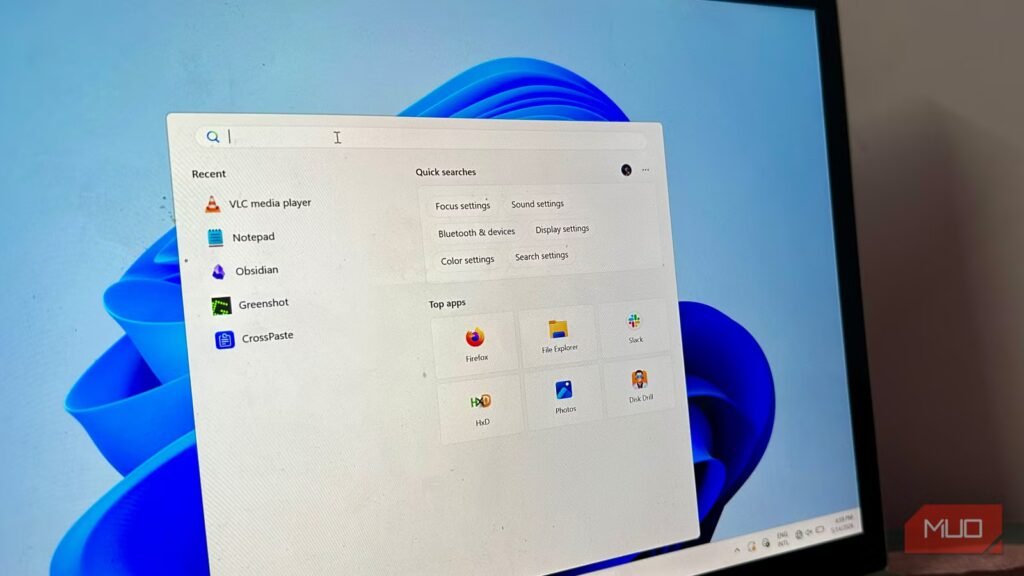

Instant File Search: How Replacing Windows Search with a Free Tool Supercharged My Productivity
As a tech enthusiast, I’ve always been on the lookout for ways to optimize my workflow and boost my productivity. Recently, I decided to replace Windows Search with a free tool, and the results have been nothing short of astonishing. My files are now instantly searchable, and I’ve been able to work more efficiently than ever before.
One of the most frustrating things about Windows Search is its tendency to slow down over time. As my collection of files grew, so did the time it took to search for specific documents. This was not only annoying but also a significant waste of time. I knew I had to find a better solution, and that’s when I stumbled upon a free tool that has revolutionized the way I interact with my files.
Why I Replaced Windows Search
There are several reasons why I decided to replace Windows Search with a free tool. One of the main reasons is that it’s free. Yes, you read that right – free. No more paying for a premium search tool or wasting time downloading and installing software. The tool I chose is not only free but also lightweight and easy to use.
Another reason I replaced Windows Search is that it’s faster and more efficient. With this new tool, I can search for files in seconds, whereas Windows Search would take minutes, if not longer. This has been a game-changer for me, as I can now focus on other tasks while my computer searches for files in the background.
The Tool I Chose
After doing some research, I decided to try out a free search tool called Everything. Everything is a lightweight, fast, and free tool that allows you to search for files on your computer in seconds. It’s available for Windows and is compatible with most file systems.
Everything is incredibly easy to use. Simply type in the name of the file or folder you’re looking for, and the tool will search for it in seconds. It’s also incredibly powerful, allowing you to search for files based on their attributes, such as size, date modified, and more.
How I Set Up Everything
Setting up Everything was a breeze. I downloaded the tool from the official website and installed it on my computer. Once installed, I was able to search for files in seconds.
To get started, I simply opened Everything and typed in the name of the file or folder I was looking for. The tool quickly searched my computer and returned the results. I was amazed at how fast and efficient it was.
Benefits of Using Everything
There are several benefits to using Everything, including:
• Faster Search Times: Everything is incredibly fast, allowing you to search for files in seconds.
• Lightweight and Easy to Use: Everything is lightweight and easy to use, making it perfect for those who want a simple search tool.
• Free: Everything is free, making it an affordable option for those who don’t want to pay for a premium search tool.
• Powerful Search Capabilities: Everything allows you to search for files based on their attributes, such as size, date modified, and more.
Common Questions About Everything
Q: Is Everything compatible with my file system?
A: Yes, Everything is compatible with most file systems, including NTFS, FAT, and more.
Q: Is Everything free?
A: Yes, Everything is completely free to download and use.
Q: Is Everything easy to use?
A: Yes, Everything is incredibly easy to use, even for those who are not tech-savvy.
Conclusion
Replacing Windows Search with a free tool like Everything has been a game-changer for me. With its fast search times, lightweight and easy-to-use interface, and powerful search capabilities, Everything has become my go-to search tool. If you’re tired of waiting for Windows Search to find your files, I highly recommend giving Everything a try.
For more information on optimizing
Latest AI Guides
Google SEO Documentation